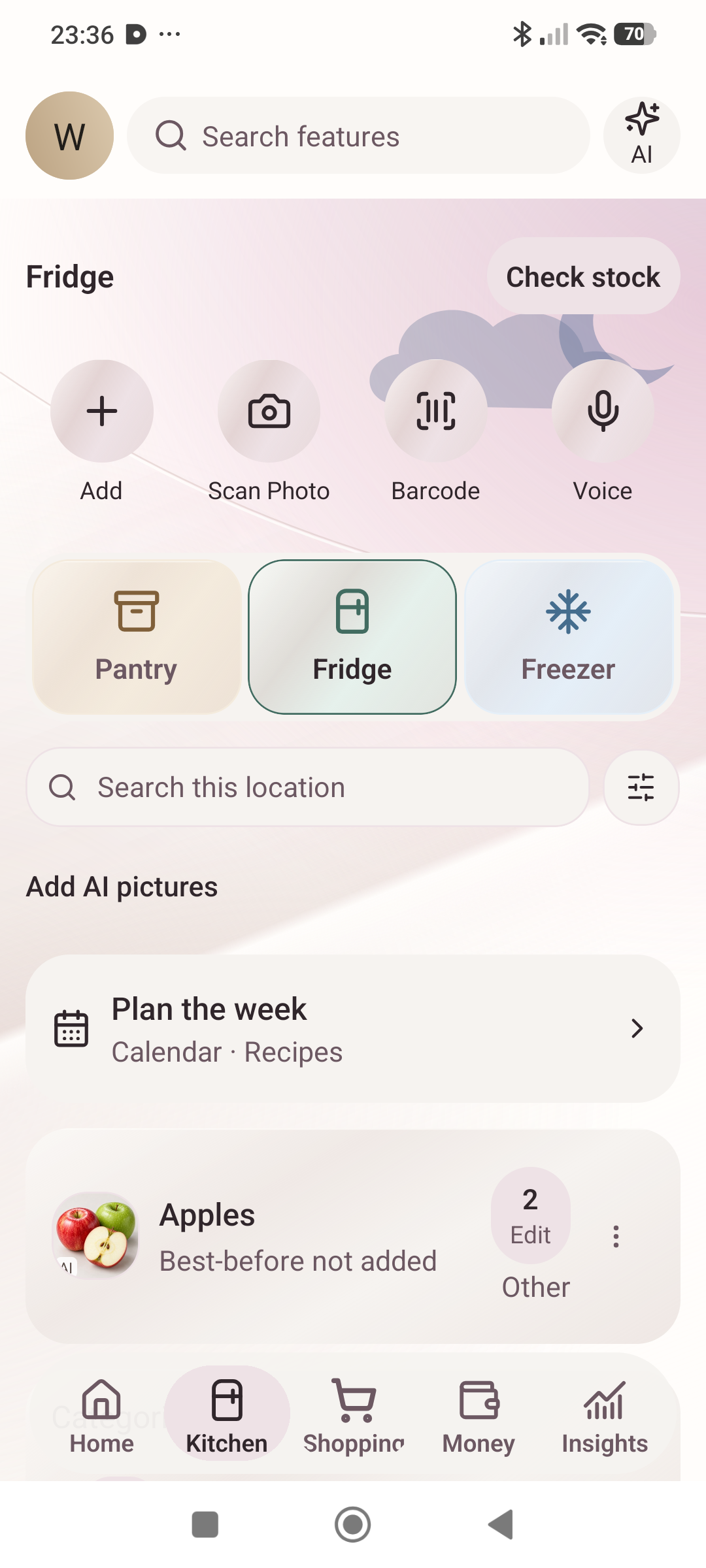
Check before the next shop
Keep food in Pantry, Fridge or Freezer. Update a quantity when you use something and move the item when its storage changes.
Explore food stock ↗Available on Google Play
THE HOME MANAGEMENT APP · doh-MY-ah
What’s for dinner? Who’s cooking? Which bill is due? Domaiya brings meals, shopping, recorded spending, notes and household jobs into one place—for families, partners, housemates and people running a home on their own.
Android app · Screens captured 28–29 October 2026
ONE HOME. ONE PLACE.
Choose dinner and the cook. Check what is in the fridge. Find the bill and its due date. Start with the everyday decision your home needs help with today.
01 / MEALS & PANTRY
Plan meals your way: add a favourite, choose a saved recipe or ask Plan for Me for ideas. Choose who cooks, keep the recipe close and review missing ingredients before they reach your shopping list.
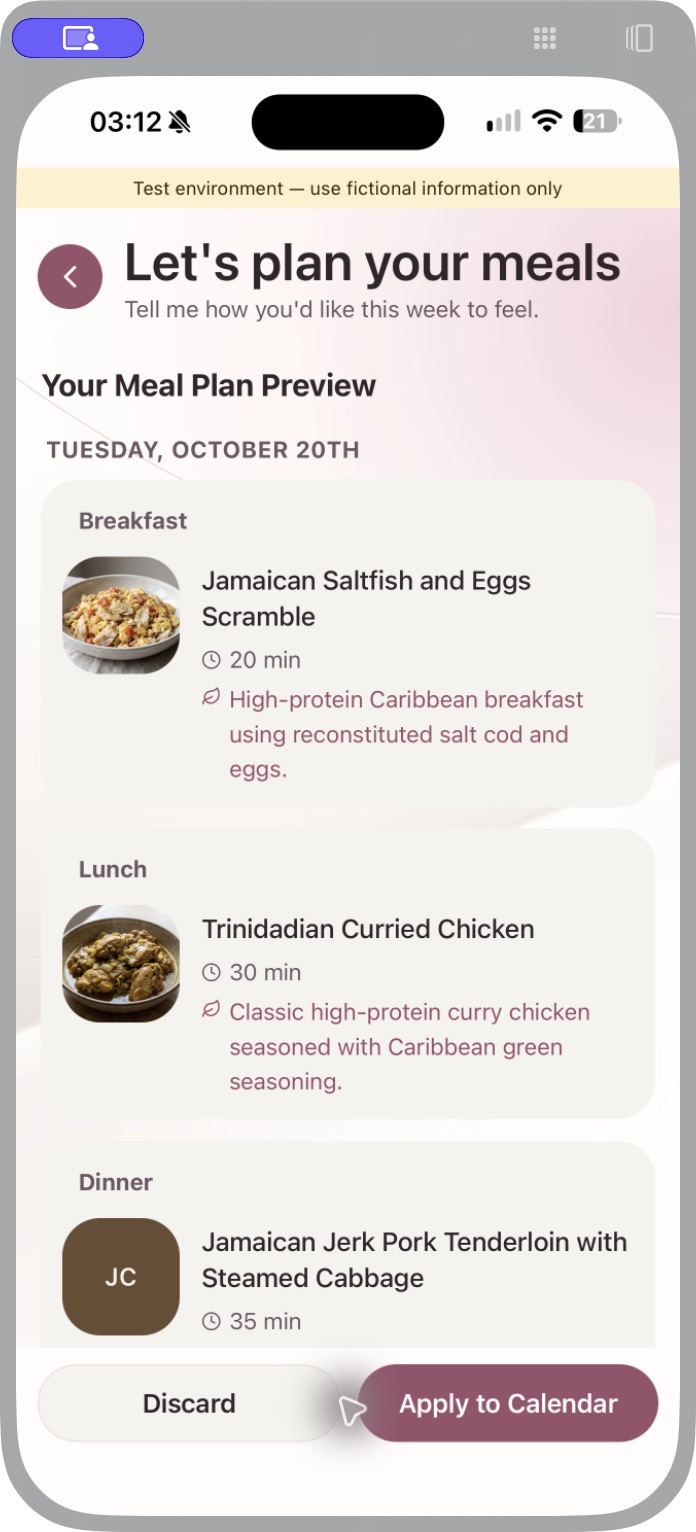
iPhone preview captured 20 October 2026 · App Store coming soon.
02 / SHARED SHOPPING
Add what you need from your own phone. Review meal ingredients, check off purchases and record what you paid. When you get home, confirm where the groceries go in your pantry, fridge or freezer.
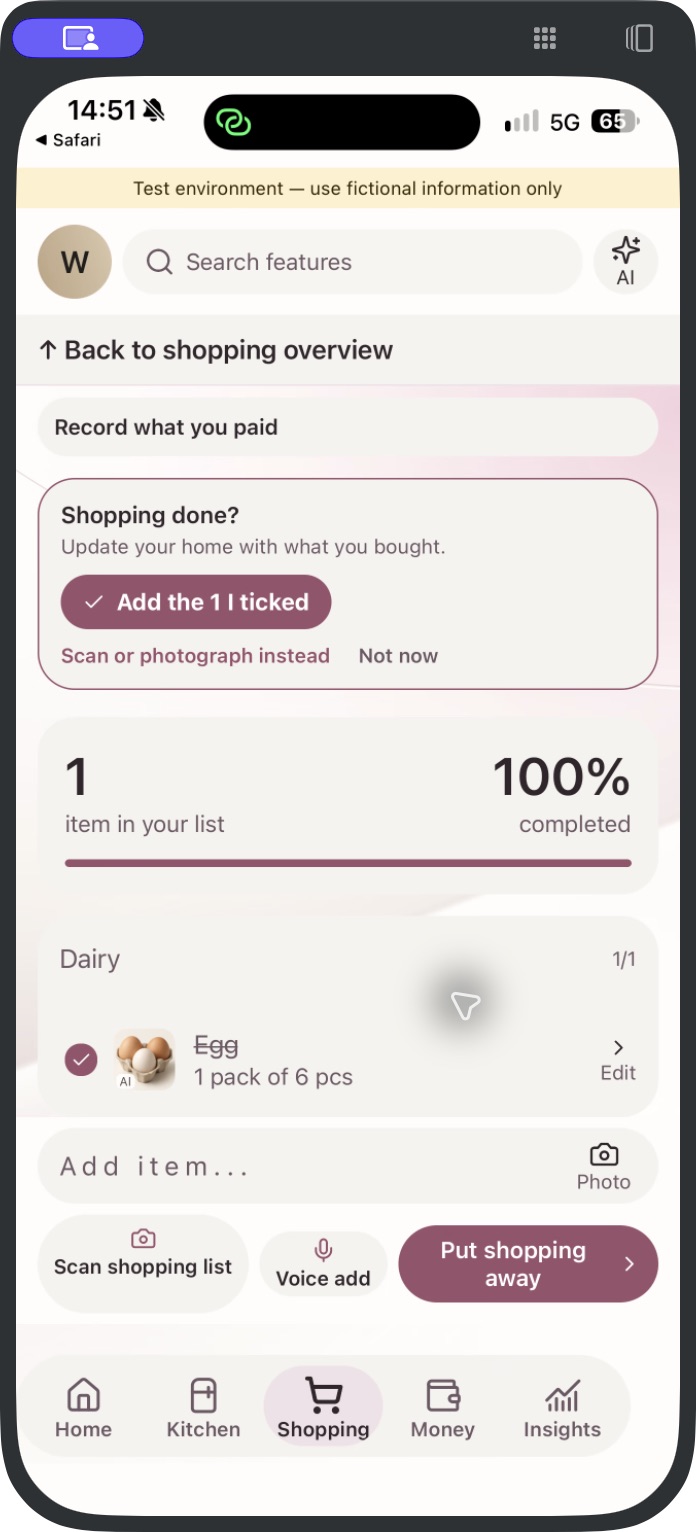
Shopping: iPhone preview, 20 October. Stock: Android capture, 28–29 October 2026.
03 / BUDGET & BILLS
Set a household spending limit. Scan and review receipts, keep expenses by category and organise bills by their due dates. See the records behind the total, so you can decide what comes next.
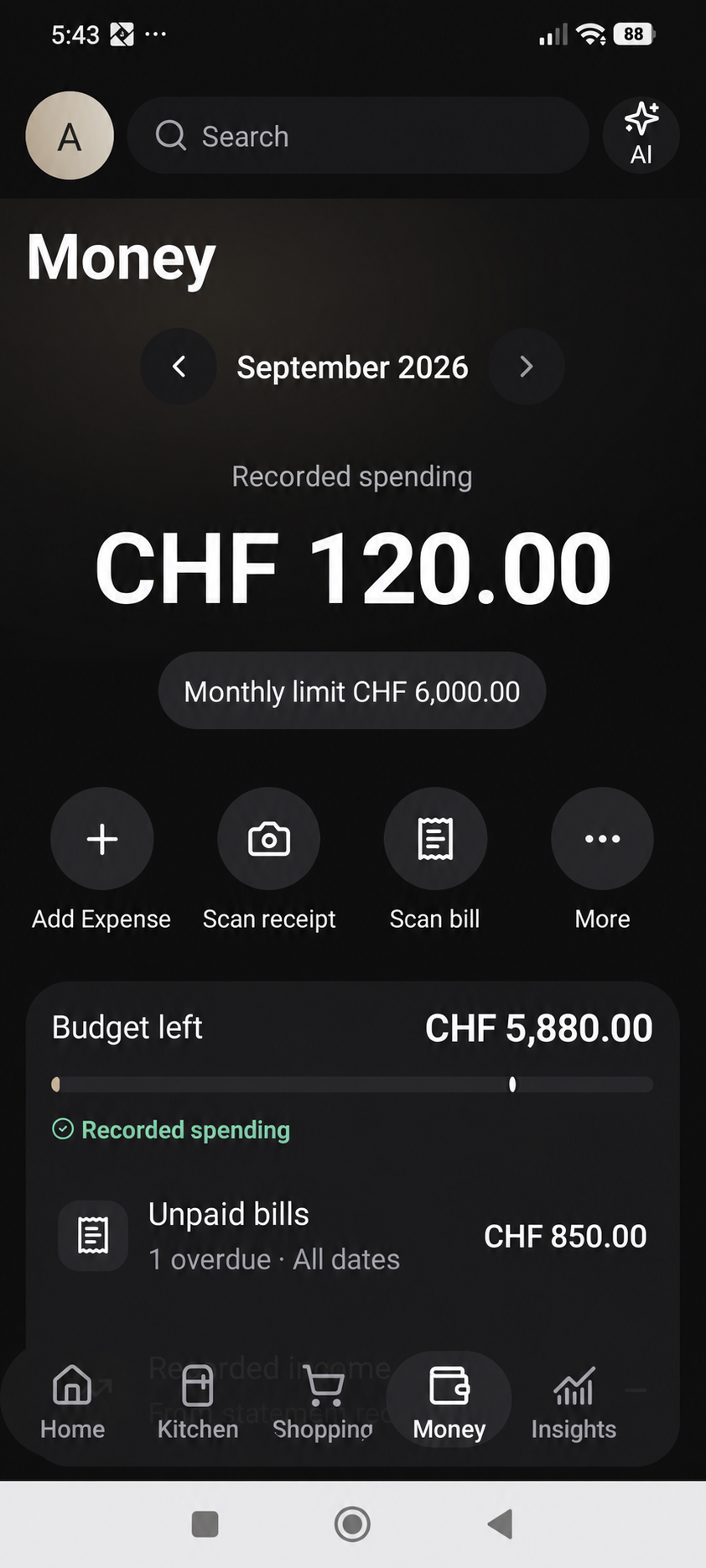
Earlier Android example with anonymised information.
04 / YOUR SHARED HOME
Invite the people who share your home. Keep instructions in searchable notes, paperwork in the House folder, and dates and jobs in the calendar. Check each person’s role and permissions.
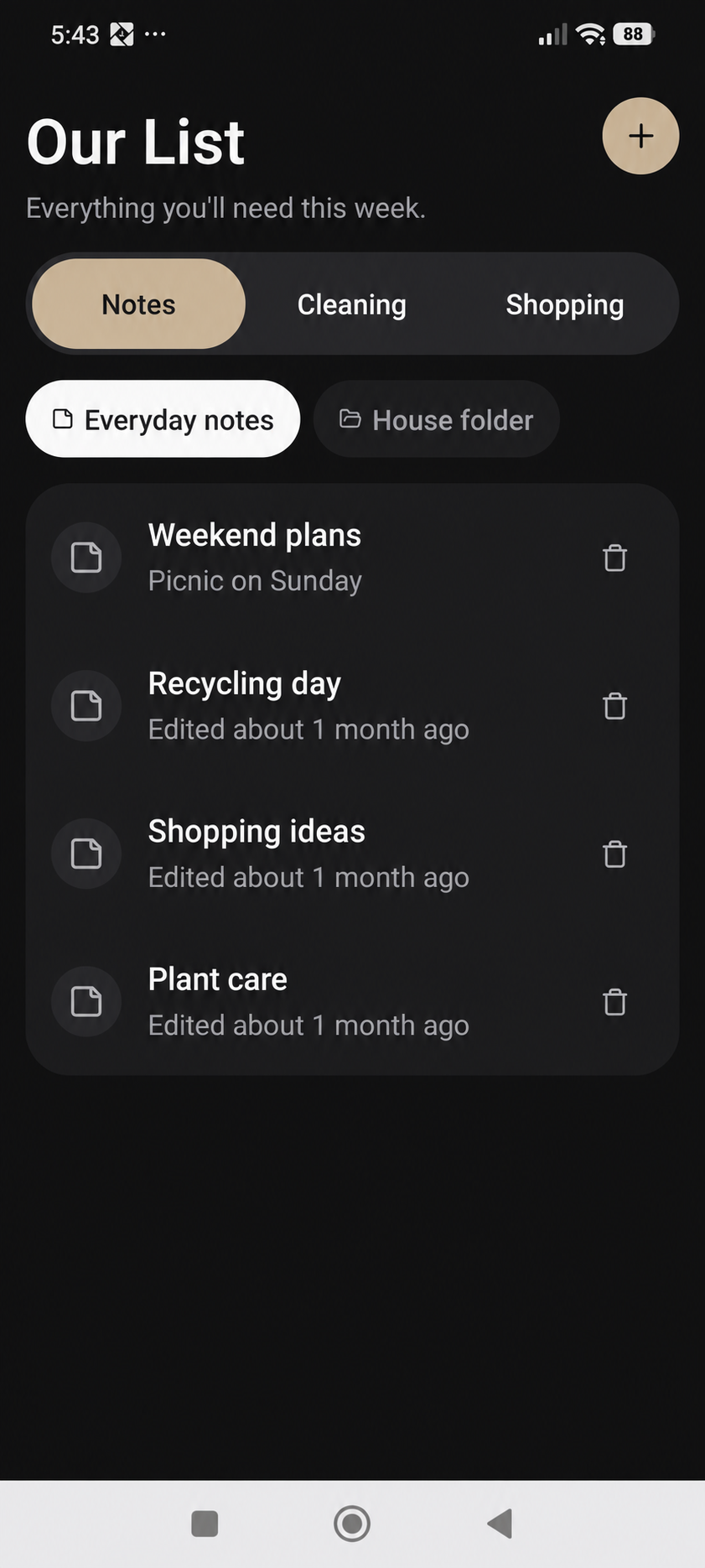
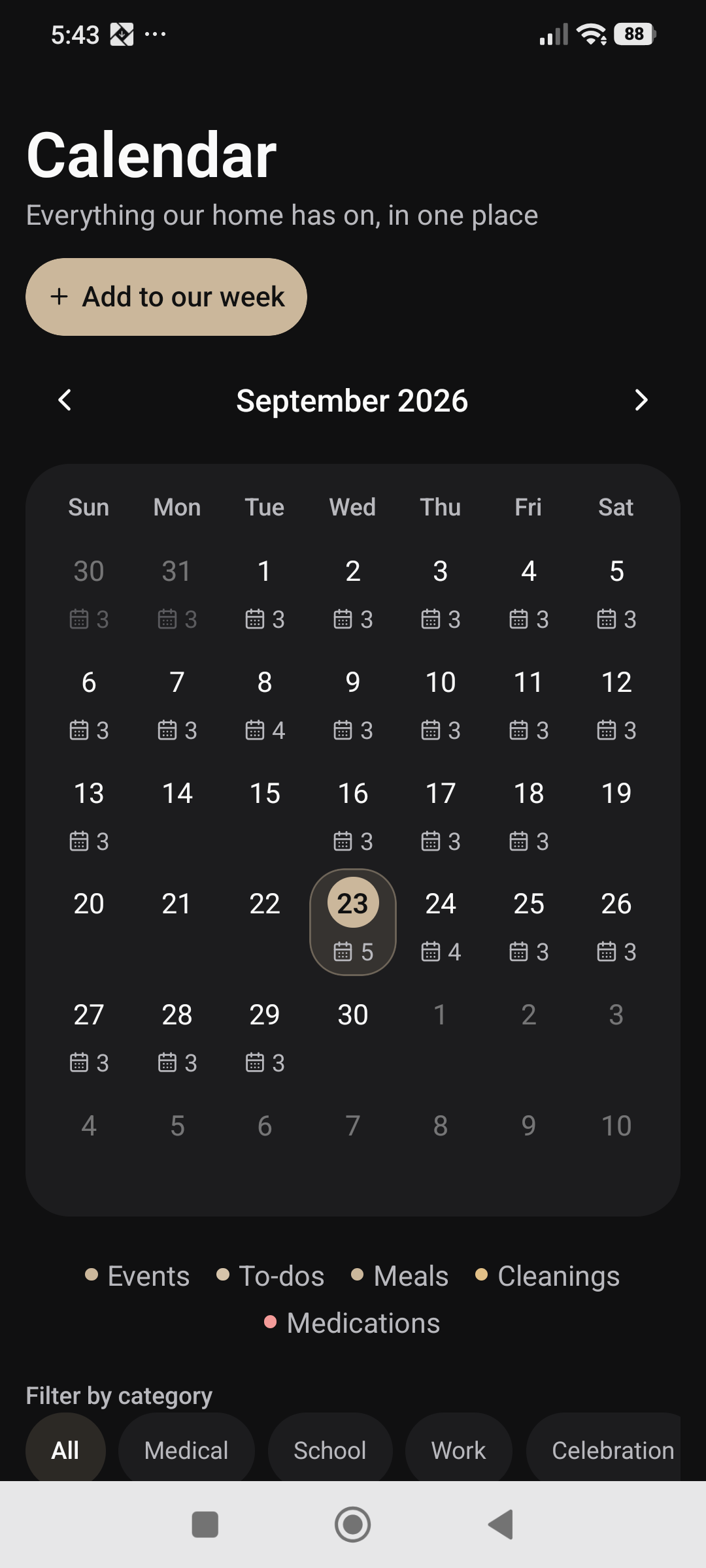
Earlier Android example with anonymised information.
FEEL AT HOME IN YOUR LANGUAGE
English · Español · Français · Deutsch · Italiano · 中文 · العربية
Explore the whole home organiser ↗GET TO KNOW DOMAIYA
Explore each feature, follow the steps and see how it fits into a real household routine.
Choose meals, save recipes, plan with AI and review ingredients for the shop.
Explore the feature ↗02Record food, quantities and expiry dates across your kitchen.
Explore the feature ↗03Bring household requests together, record purchases and put groceries away.
Explore the feature ↗04Set a household limit, scan receipts and bills, and import bank statements.
Explore the feature ↗05Save instructions, attachments and paperwork with appropriate household access.
Explore the feature ↗06Connect dates, assigned jobs, cleaning routines and completion records.
Explore the feature ↗07Add the people you live with, review roles and understand how invitations work.
Explore the feature ↗08Explore supplies, personal reminders, household roles and the daily overview.
Explore the feature ↗09Keep existing instructions, choose reminder times and repeat days, and control your privacy.
Explore the feature ↗10Scan a barcode or label and review the available product information.
Explore the feature ↗11Record household essentials and update their quantities as you use them.
Explore the feature ↗12Explore family chat, shared moments, participation and Domaiya AI.
Explore the feature ↗INSIDE THE ANDROID APP
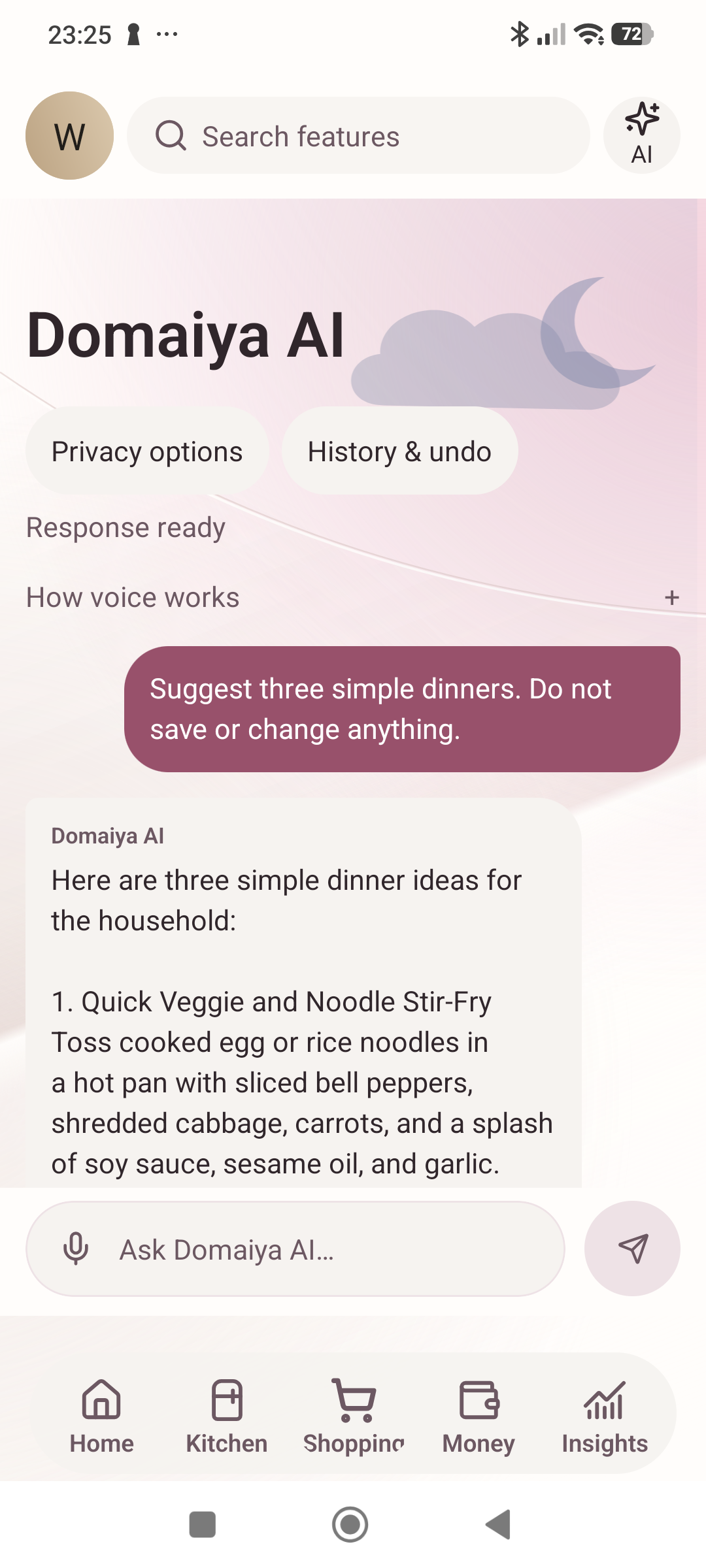
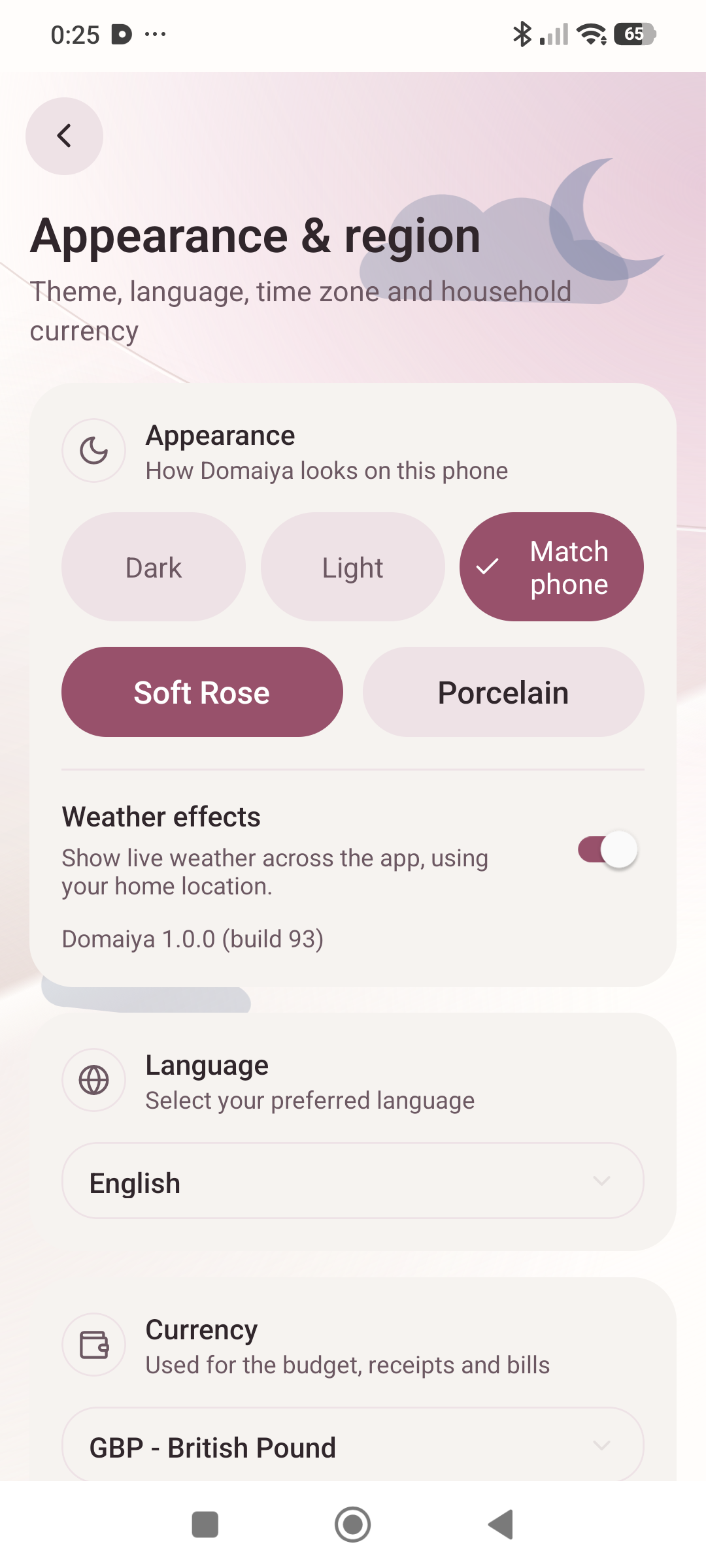
Check the food you have recorded, ask for dinner ideas and choose a look that feels right for your phone.
Actual Android app screens captured 28–29 October 2026. Android available on Google Play. App Store coming soon.
Keep food in Pantry, Fridge or Freezer. Update a quantity when you use something and move the item when its storage changes.
Explore food stock ↗Ask Domaiya AI for ideas. Review the suggestion, then choose the meal that suits your home.
Explore meal planning ↗Choose Soft Rose or Porcelain, then Dark, Light or Match phone. Weather effects have their own setting.
Explore your daily overview ↗SEE HOW IT WORKS
Explore the updated feature guides first. These earlier Android recordings show the previous design; follow the written journey for current steps.
Earlier Android footage · Narration & captions
REAL ACTIONS · 45 SEC · SOUND ON
Choose meal preferences, generate ideas and scroll through a real meal-plan preview.
Full guide & transcriptEarlier Android recordings, September 2026. The design and some navigation have changed. Current written guides and the Android screens above are updated separately; new continuous walkthroughs will replace these recordings after verification.
MAKE IT YOURS
Get to know Domaiya and build a home routine that works for you.
Get the Android appPremium options can cover selected homes. The app shows the local store price, included benefits, billing period and any eligible trial before you confirm. Storage and download options are separate; nothing is purchased by viewing this page.
Meet Domaiya PremiumYOUR DATA
Domaiya does not sell your personal information or share it with advertisers or data brokers.
We process information to run the app and the features you choose, including scans and shared household records. Service providers support hosting, AI and delivery as explained in our privacy policy. You can ask to access, correct or delete your information.
GOOD TO KNOW
Domaiya is a home management app and shared home organiser by BerflowIT. It brings meal planning, pantry tracking, shopping lists, bills, budgets and household coordination into one place.
Domaiya is available for Android. Download it on Google Play.
Coming soon on the App Store. The iPhone app is in testing; no release date is announced. We’ll add its official download link after release.
Web access is not available yet. For this launch, use the Android app. We’ll make web login available here when the web service is ready.
Yes. Invite household members, use shared shopping lists and family chat, and organise everyday responsibilities together. Member roles help you manage household access.
No. Domaiya uses the expenses and bills you record and statement files you choose to import. It does not automatically connect to your bank. Check imported records and categories so your budget reflects what you have entered.
English, Spanish, French, German, Italian, Chinese and Arabic.
We do not sell personal information or share it with advertisers or data brokers. We do process data to provide Domaiya, keep it reliable and meet legal requirements. Some features use service providers, including cloud hosting and AI. Our app privacy policy explains what is used, who receives it and your choices.
Email info@berflowit.com. You can also find our privacy policy, terms and account deletion page below.

Available on Google Play
Your whole home. One app.
Coming soon on the App Store
Available for Android

Available for Android on Google Play. In-app purchases are optional.
THE DOMAIYA COMMUNITY
Follow Domaiya for launch news, app guides and ideas for life at home.
SAY HELLO
Questions, feedback or a little help getting started?
info@berflowit.com


